
10 SketchUp Manuals: My Bibliography
When using a tool, whatever it is, there comes a time when intuition, tinkering, and years of experience are no longer enough... and you move on to a truly in-depth study.
And then you roll up your sleeves and get back to studying! It's always been like this for me: I try, try again, and bang my head against the wall. But at a certain point, I realize I couldn't go any further, so I decide to let those who know more than me take me by the hand. With video courses or... with manuals!
Good old printed paper has several advantages: the batteries don't run out, you can write on it, and sometimes it can even be useful under the leg of a wobbly table 🤣🤣🤣
So let's delve into my personal "collection" of manuals, which, partly out of necessity and partly for pleasure, I've read and studied over the years (since about 2010).
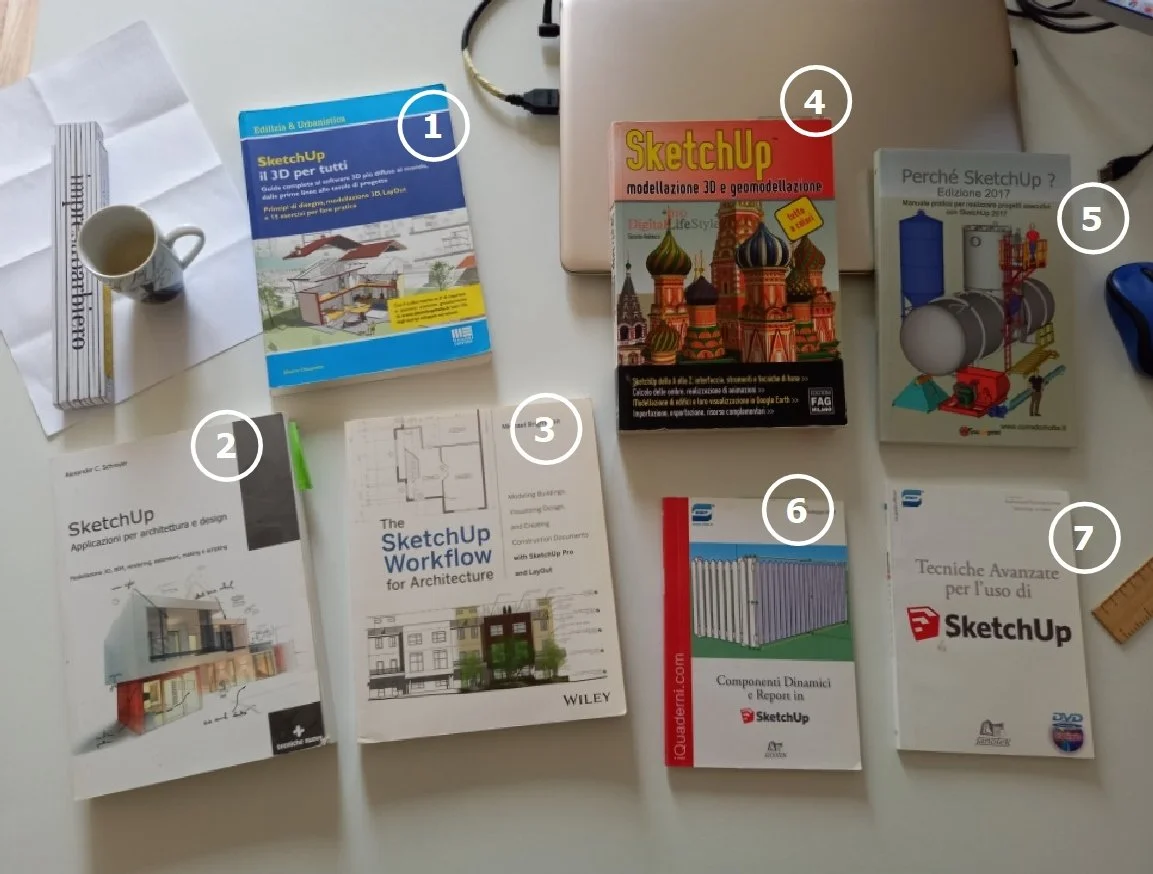
Both in Italian and English.
Let's get started!
"SketchUp. Il 3D per tutti" by Marco Chiarello (me:-);
“SketchUp Free - for Schools - Go” by Marco Chiarello (me:-);
"SketchUp. Applicazioni per architettura e design" by Alexander C. Schreyer;
"The Sketchup Workflow for Architecture" by Michael Brightman;
"SketchUp: modellazione 3D e geomodellazione" by Giacomo Andreucci;
"Perché Sketchup? Edizione 2020" by Corrado Motta;
"Tecniche avanzate per l'uso di SketchUp";
"Componenti dinamici e Report in SketchUp”;
"SketchUp and V-Ray 5 for 3D Designers" by Antonio Sansonna;
"SketchUp for Architecture" by Alessandro Baracco.
1) "SketchUp: 3D for Everyone"
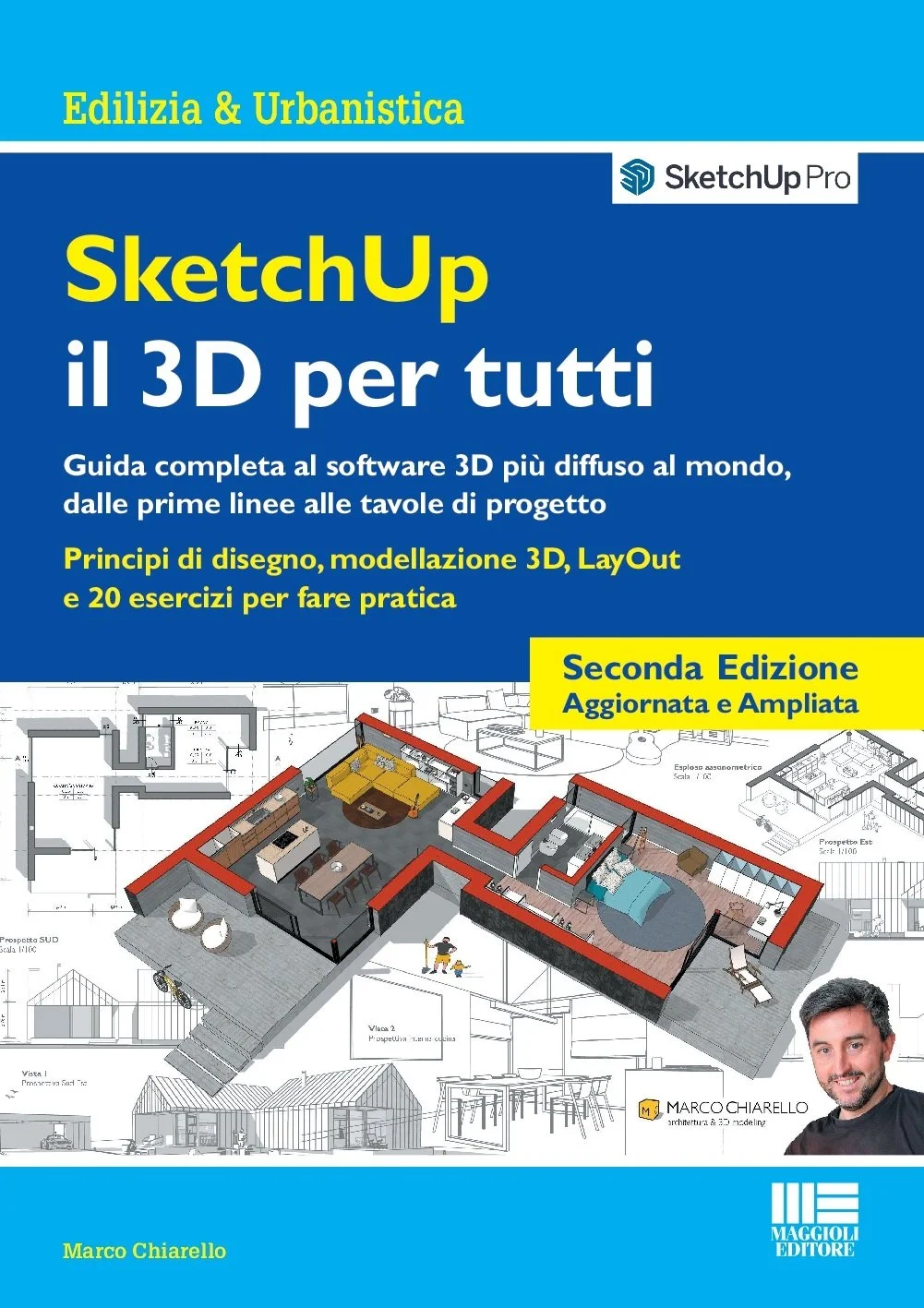
A complete guide to the world's most popular 3D, from the first lines to the final draft. Drawing principles, 3D modeling, layout, and 15 exercises for practice.
Author: Marco Chiarello (myself)
Publisher: Maggioli Editore
Year: 2018
Price: €35.00
Pages: 330
Where to buy: Amazon and more information here.
Manual Overview:
I couldn't help but start this bibliography with my own manual :-) After fifteen years of using SketchUp and a decade of training, teaching courses primarily in the Veneto and Trentino regions, in 2018 I finally had the opportunity, in partnership with Tecnobit (SketchUp's distributor in Italy), to write my own manual!
It took several months of work, and I must admit I didn't think producing a technical text would be such a huge undertaking: deciding on the table of contents, identifying relevant examples, writing the texts, doing the layout... it's all up to you and your imagination. It was a fantastic experience, which I later replicated in my manual on V-Ray for SketchUp.

Here in the photo is me at a meeting in Budapest at the end of 2019 with some colleagues and a European manager from Trimble, happy to receive a copy of my manual :-)
Moreover, during those months, my partner Eva and I were renovating our house, so many of the construction details, design drawings, and various examples found in the book come from the project we were working on at the time (she's an architect, too...).
Book Structure:
The manual is composed of three parts: SketchUp, LayOut, and Exercises. So just browsing the table of contents, you get a clear understanding of SketchUp's workflow: from modeling to layout, with plenty of practice to solidify the concepts. The book is packed with images and examples to communicate the fundamental concepts of drawing with SketchUp as efficiently as possible. The first two sections, which are theoretical, are linked in the text to the exercises at the back of the book. These exercises number 15 and are accompanied by downloadable files for practice.
Strengths:
Practical approach, many examples, and many exercises directly linked to the theoretical text. See examples, exercises, and more on the dedicated page here.
Weaknesses:
This refers to the Windows version, but after publication, I wrote an appendix with some specifications for the Mac version.
Exercises included:
15, covering construction, furniture, carpentry, windows, and topography. Each exercise has a different difficulty level, clearly indicated on its presentation page.
Overall:
Well, judging something I've done doesn't make much sense. But I can honestly say that I wrote it the way I would have liked it to have been written by someone else: practical and quick, not too long, but complete with everything you need to use SketchUp well!
> Here you can see the reviews and buy it on Amazon.
2) “SketchUp Free - for Schools - Go”
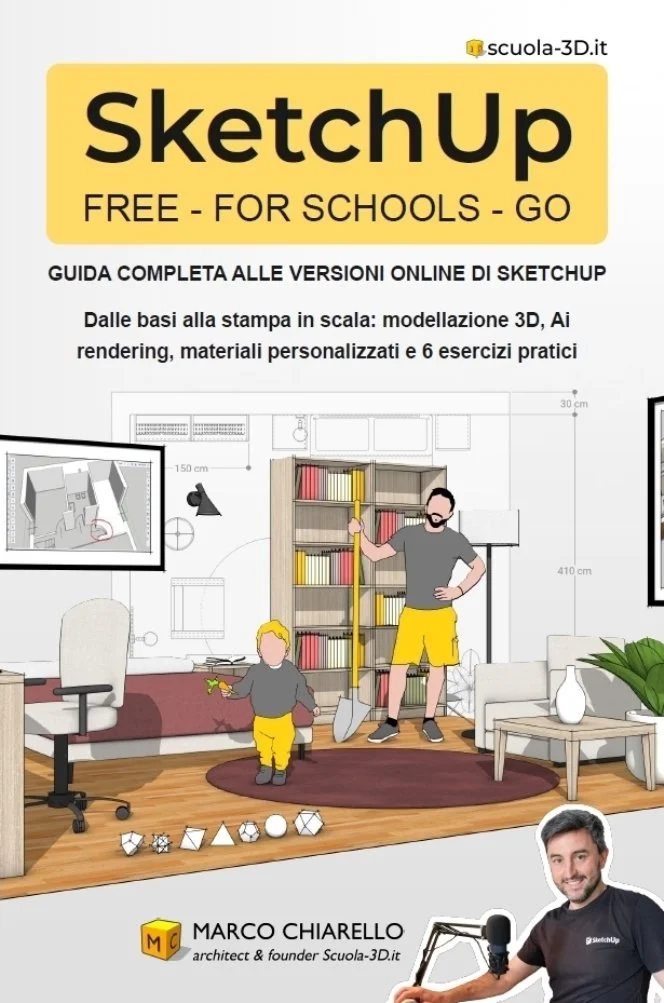
In 2025, I also published a manual for the online version of SketchUp! Only in Italian, for now.
Author: Marco Chiarello architect
Publisher: Amazon Direct Publishing
Year: 2025
Price: €26.00
Pages: 250
Language: italian
Where to buy: Amazon
SketchUp is the world's most popular 3D software, renowned for its intuitiveness and quick learning curve, as well as its versatility and ability to communicate any type of project. It is increasingly used in schools, among professionals, companies, and creatives in every field.
And its widespread use is also growing thanks to the online version, available in three licenses: free (SketchUp Free), for schools (SketchUp for Schools), and a subscription with additional tools (SketchUp Go).
The manual explores the use of the online versions of SketchUp clearly and quickly: from drawing two-dimensional shapes to 3D modeling, from creating customized materials to perfecting views complete with dimensions ready for printing.
Topics covered include:
- SketchUp drawing principles: the 3 fundamental rules of 3D drawing;
- Customizing materials and graphics with styles, scenes, and sections;
- Rendering with SketchUp Diffusion;
- preparation of final views, printing, and exporting;
- 6 practical exercises, with varying levels of difficulty.
Download support materials and videos
On the scuola-3d.it website, you can download the manual's support files and watch videos showing the exercises step-by-step.
Structure of the book:
1. Introduction to SketchUp
2. Starting and saving a file, understanding the software interface
3. Navigating in 3D space and selecting objects
4. Drawing with precision: inferences, guides, and units of measurement
5. The 3 Principles of Drawing
6. 2D Drawing
7. Editing Tools
8. Groups, Components, and Tags
9. Materials, Images, and Light
10. Preparing Final Shots
11. Printing and Exporting
12. 2D and 3D Drawing Exercises
13. Useful Resources
3) "SketchUp Applications for Architecture and Design"

3D Modeling, BIM, Rendering, Extensions, Making, and Scripting
Author: Alexander C. Schreyer
Publisher: Tecniche Nuove
Year: 2016
Price: €45.00
Pages: 499
Language: italian/english
Where to buy: Amazon
Overview:
Without a doubt, one of the best SketchUp manuals! It covers everything from SketchUp to 3D printing, mentions many extensions, and even programming... It's comprehensive, well-printed, and chock-full of examples. I particularly appreciated the list of extensions, complete with descriptions and download links, organized by type and functionality. It's really helpful for navigating the vast sea of extensions, given that there are thousands of them. It mentions BIM a bit inappropriately here and there, but overall, it's really well done!
Book Structure:
7 chapters packed with useful information and links to sites for further study:
Introduction to SketchUp;
SketchUp Basics;
Efficient Component-Based 3D Modeling;
Using Extensions Effectively;
SketchUp and Rendering;
Fabricating with SketchUp;
Creating Geometry Using Ruby Scripts.
Strengths:
Very detailed and precise, it covers a wide range of 3D topics, and is beautifully printed in full color and rich in images.
Weaknesses:
It covers a lot of topics but doesn't provide a clear understanding of the workflow to adopt with SketchUp. It perhaps takes for granted some things that would be important for a novice to emphasize. It doesn't cover LayOut.
Exercises:
Small exercises are provided here and there, but overall it's more theoretically oriented.
You can buy it on Amazon.
4) "The SketchUp Workflow for Architecture"
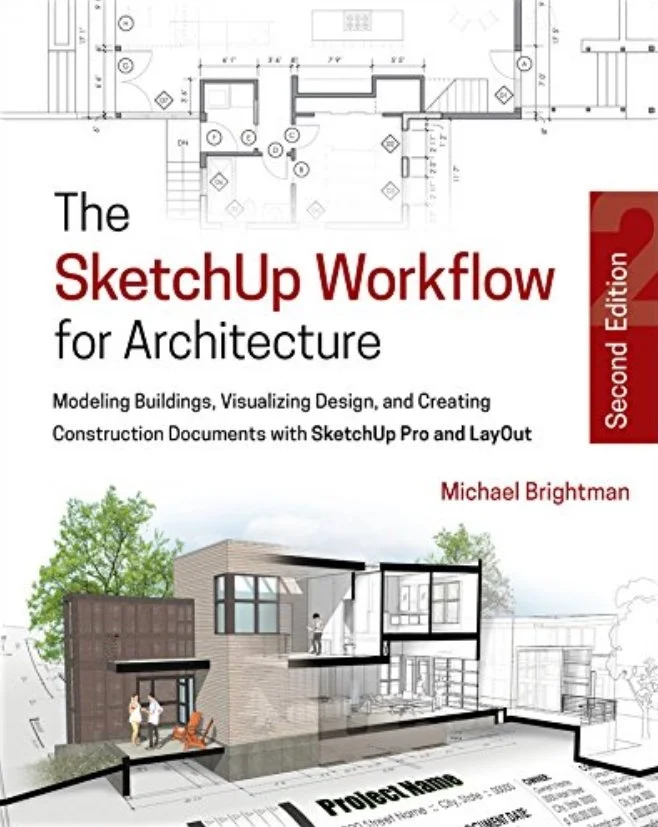
Modeling Buildings, Visualizing Design, and Creating Construction Documents with SketchUp Pro and LayOut
Author: Michael Brightman
Publisher: Wiley
Year: 2013
Price: €48.00
Pages: 379
Language: english
Where to buy: Amazon
Overview:
A good, practical manual with images and real-world examples from the world of architecture. It contains many images and color diagrams that clearly explain the concepts expressed in the text. In particular, it offers a workflow for controlling the layout phases, particularly line weights in LayOut. Perhaps a little outdated due to the introduction of line weights in LayOut (SketchUp Pro 2020.2 released on August 11, 2020). It is perhaps suitable for those who already have some knowledge of SketchUp and want to delve deeper into a coordinated working method between Scenes and Styles.
Book Structure:
Divided into 4 Parts:
Starting the Flow;
SketchUp;
LayOut;
The Architectural Design Process.
Strengths:
It conveys a working method. It doesn't just describe how commands work, but also provides direction and indicates the context in which to use them. There are many diagrams that also show the "click flow" required to perform a given command or change in the drawing.
Weaknesses:
Those not accustomed to reading in English may find it difficult. There is no Italian version (at the time of writing). It doesn't give much space to interesting topics like photo insertion.
Exercises:
The text implicitly suggests exercises to try, but it doesn't provide any specific instructions for doing the practical exercises yourself.
You can purchase it on Amazon.
5) "SketchUp 3D Modeling and Geomodeling"

SketchUp from A to Z: interface, tools, and basic techniques. Shadow calculation, animation creation. Building modeling and visualization in Google Earth. Import, export, and additional resources.
Author: Giacomo Andreucci
Publisher: Edizioni FAG Milano
Year: 2012
Price: €45.00
Pages: 499
Language: italian
Where to buy: Amazon
Overview:
I consider this the progenitor of SketchUp manuals in Italian. If it weren't for the fact that it's quite old (2012), I would have placed it at the top of my list of the best manuals. It's comprehensive and pragmatic, taking nothing for granted, making it suitable even for those starting out with SketchUp. It covers all the important aspects of the software, but it does show its age: many tools were introduced in SketchUp versions from 2012 to the present. Therefore, there's a complete lack of guidance on tools such as exporting the quantity survey.
Book Structure:
Understanding the program;
Two exercises for practice;
Modifying geometry;
Construction tools;
Simplify modeling using Groups and Components;
Use materials and create terrain models;
Keep your model organized: the Structure window and Layers;
Modeling a building;
The model's appearance: hiding edges, using shadows and styles;
Presenting the model: the walkthrough tool, scenes, and sections;
Geomodeling and visualization in Google Earth;
How to use the models you've created: exporting images/videos and printing;
Adding plugins to SketchUp;
Italian modelers and online resources.
Strengths:
The manual is very clearly written, detailed, and takes nothing for granted. Numerous images highlight important elements to help understand the workflow.
Weaknesses:
The examples are a bit simplistic; there's no reference to architectural or interior design. And as mentioned above, the manual is a bit dated, so it doesn't cover tools that appeared in SketchUp after its publication.
Exercises:
Yes, some exercises are included here and there in the text, but they're very simple and on topics that aren't particularly incisive in my opinion (like a dog house), and not very technical. The manual seems very generalist, as if it were intended for hobbyists or occasional users, not professional technicians.
You can buy it on Amazon.
6) "Why SketchUp?"

Practical manual for creating executive projects with SketchUp 2017
Author: Corrado Motta
Publisher: youcanprint
Year: The one I have is from 2017, but it's often updated to recent versions of the software, almost every year.
List Price: €27.00
Pages: 217
Language: italian
Where to buy: Amazon
Overview:
A "quick" manual (it's not very many pages) with a decidedly practical approach, written by a technician who has actually used SketchUp in his work for years (metalwork). This is a self-published work (if I'm not mistaken), so the manual itself isn't of great quality in terms of layout and printing. However, it does have many illustrations and is overall clear and straightforward.
Book Structure:
The book's chapters are as follows:
Introduction
Installation and Settings
Drawing Organization
Preparing Views
SketchUp Menus
SketchUp Tools
SketchUp Windows
Strong Points:
This manual has the merit of being written by a highly experienced user and expert, so it gets straight to the point and explains the key points for learning the program quickly (even too quickly).
Weaknesses:
It seems a bit simplistic and rushed in its explanation, leaving out many tools, some of which have been gradually introduced into SketchUp over the years. In some places, it lists the tools as a mere list of commands and their descriptions, without examples or exercises for further study. It completely ignores LayOut, instead explaining how to create layouts by exporting to CAD format.
Exercises included:
A few simple exercises are offered throughout the explanation of some tools.
You can purchase it on Amazon.
7) "Advanced Techniques for Using SketchUp"
Author: Unlisted
Publisher: Janotek
Year: 2013
Price: €48.90
Pages: 94
Language: italian
Overview:
This manual is not a stand-alone book, but rather a "handout" for the videos included on the DVD sold with the manual. The videos are the product, and the manual itself is very short.
Book Structure:
There is no index... but the topics covered include:
Autofold Techniques;
Volume Intersection;
Photo Insertion
Introduction to LayOut.
Strengths:
The videos, for those who prefer watching videos rather than reading the manual.
Weaknesses:
I'll limit myself to discussing the manual, since I was expecting a manual when I purchased it and wasn't clear that the actual work was actually the videos on the DVD. The manual is poorly printed and poorly written. There are no interesting examples and it seems hastily put together. Diagrams are missing, and the images are often unclear.
Exercises included:
Yes, some exercises are offered to support the topics covered.
8) "Dynamic Components and Reports in SketchUp"
Author: Not listed
Publisher: Janotek
Year: 2015
Price: €24.90
Pages: 106
Overview:
This is a short, in-depth manual on dynamic components. It assumes basic knowledge on the part of the reader, who must already be familiar with SketchUp to understand the concepts presented.
Book Structure:
The chapters include:
The Development Environment
Attributes, Values, and Formulas
Creating a Complex Geometric Component
Creating Interactive Components
Defining a Report
Strengths:
The only book I know of specifically on dynamic components.
Weaknesses:
Superficial and hasty presentation of a complex and rich topic such as dynamic components. In many places, it seems like a copy of the online guide. I do not recommend it.
Exercises:
There are a couple of exercises, one of which seems like a copy of those in the online guide.
In Conclusion
There are also other manuals, obviously, in both Italian and English. I'll limit myself to mentioning two additional ones in Italian, partly because one is the most recent (the first) and the other because I know its author (hi Alessandro!). Having not read them, I have no opinions or anything else, but I'll provide the links for anyone interested in learning more :)
9) "SketchUp and V-Ray 5 for 3D Designers"
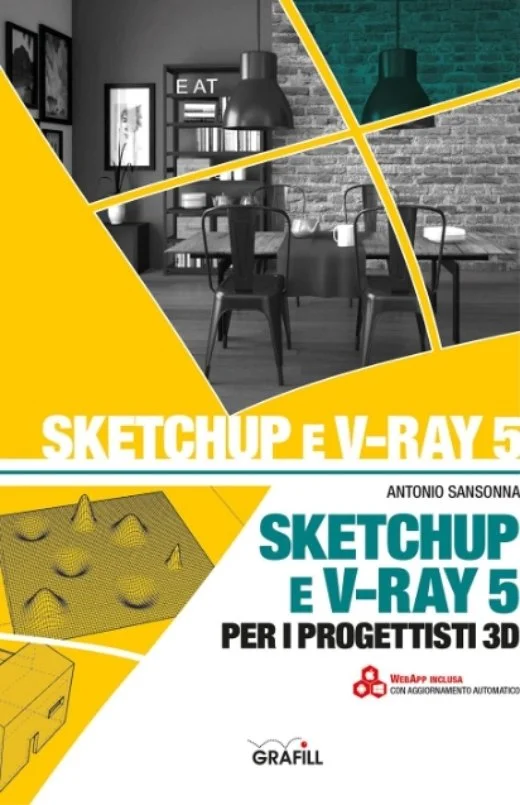
SketchUp and V-Ray 5 for 3D Designers
10) "SketchUp for Architecture"
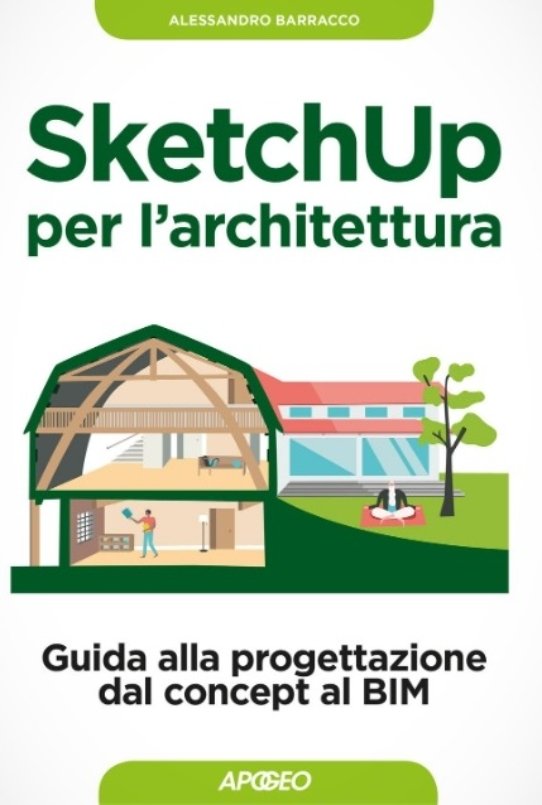
A Guide to Design from Concept to BIM
If you're looking for other methods for learning SketchUp, read this post with 8 methods for learning SketchUp.
Related products
