
3,5 hours - 7 lessons (videos of approximately 10 minutes each)
€35 > €28
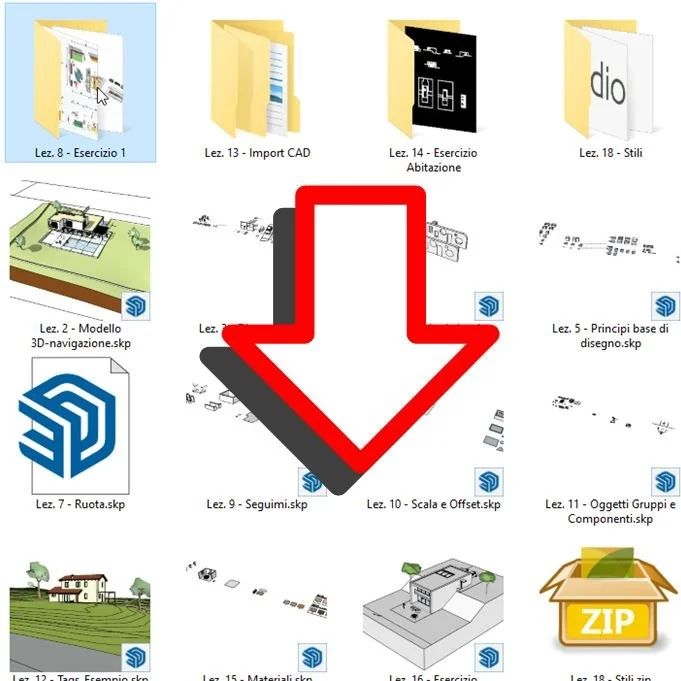
Available files
The version of SketchUp Pro used in the course is 2021. Some settings that are mentioned are not present in previous versions.
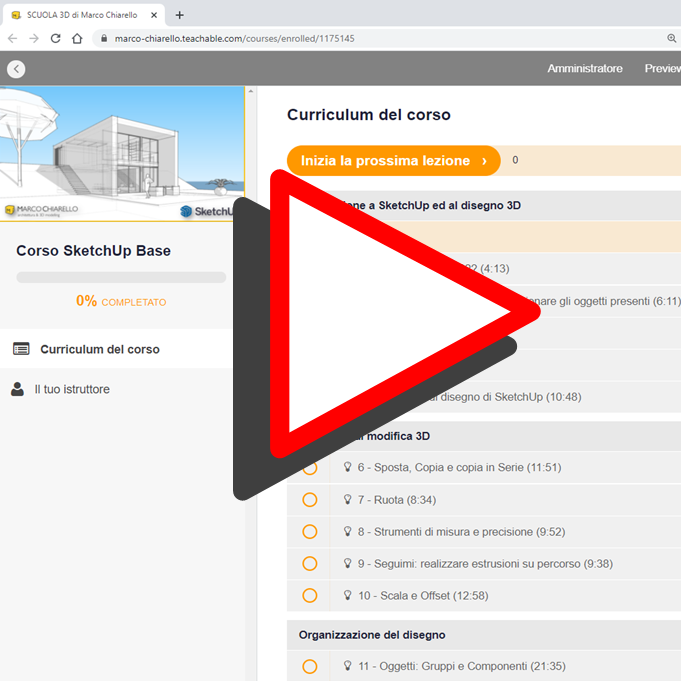
Watch as many times as you want
Each lesson is accompanied by downloadable files with ready-to-use exercises explained step-by-step.
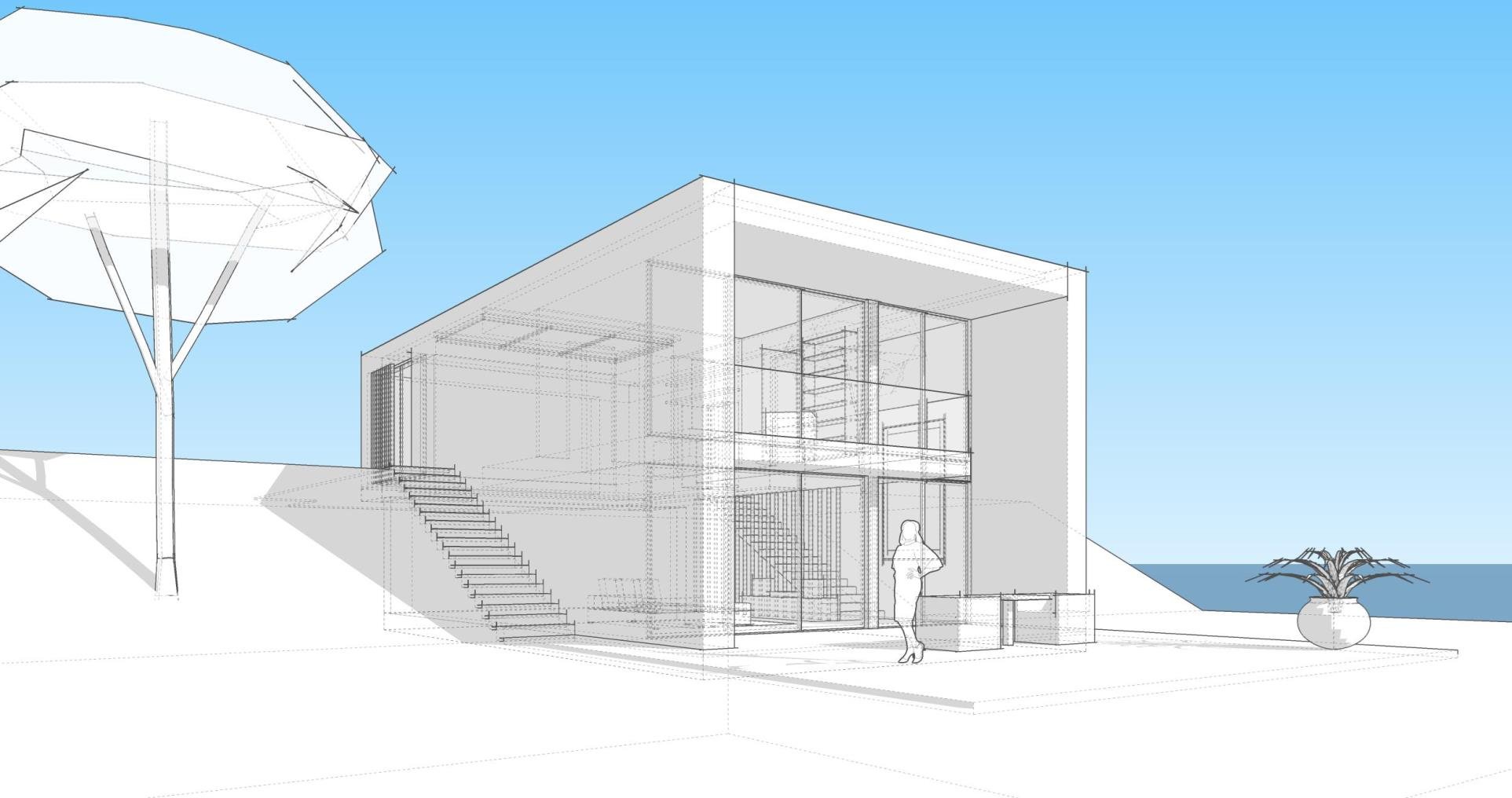
Create beautiful projects
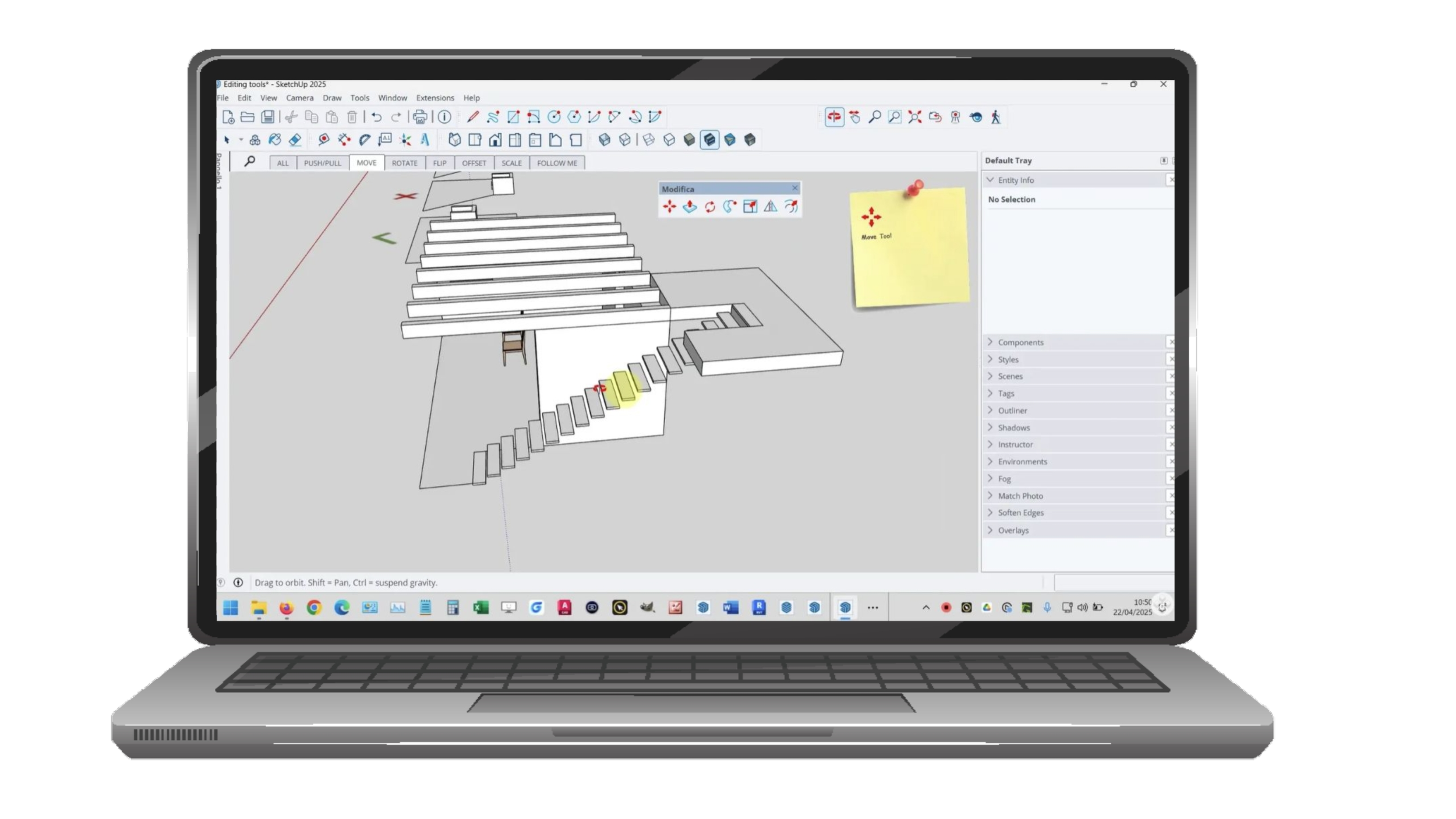
The course demonstrates step-by-step tools and techniques for mastering a correct and effective working method.
The course demonstrates step-by-step tools and techniques for mastering a correct and effective working method.
Lessons cover the typical workflow: from 3D modeling to organizing the model with Objects, adding custom materials and lights, and determining the framing for printing and final exports.
-
-
1: Introduction to the SketchUp work environment
An introduction to the software and the UI. Learn how to navigate the 3D space, customize toolbars, and manage object visibility (hide/show). This lesson covers the basics of starting a fresh project and your first drawing attempts.
An introduction to the software and the UI. Learn how to navigate the 3D space, customize toolbars, and manage object visibility (hide/show). This lesson covers the basics of starting a fresh project and your first drawing attempts.
-
2: Drawing Tools and Drawing Principles
Master the fundamentals of 2D geometry. You will learn to use lines, shapes, and arcs while leveraging guides and the inference system—the core principles that ensure precision and alignment in every sketch.
Master the fundamentals of 2D geometry. You will learn to use lines, shapes, and arcs while leveraging guides and the inference system—the core principles that ensure precision and alignment in every sketch.
-
3: 3D Modeling Tools
Transform 2D shapes into 3D volumes. This module covers essential transformation tools: Push/Pull, Move, Rotate, and Scale. You will also explore advanced features like Offset, Flip (Invert), and the Follow Me tool for complex extrusions.
Transform 2D shapes into 3D volumes. This module covers essential transformation tools: Push/Pull, Move, Rotate, and Scale. You will also explore advanced features like Offset, Flip (Invert), and the Follow Me tool for complex extrusions.
-
4: Organize your model with objects and import CAD files
Learn professional workflows using Groups and Components to keep your geometry organized. This lesson also covers using Tags, importing/scaling CAD files as blueprints, and downloading assets from the 3D Warehouse.
Learn professional workflows using Groups and Components to keep your geometry organized. This lesson also covers using Tags, importing/scaling CAD files as blueprints, and downloading assets from the 3D Warehouse.
-
5: Materials, light and environments
Bring realism to your projects by applying and editing textures (including materials from the 3D Warehouse). You will also learn to manage natural light, shadows, and environmental settings to create depth and atmosphere.
Bring realism to your projects by applying and editing textures (including materials from the 3D Warehouse). You will also learn to manage natural light, shadows, and environmental settings to create depth and atmosphere.
-
6: Styles, sections and scenes
Explore presentation techniques by applying different artistic Styles and creating Section Planes to reveal interior details. Learn how to save Scenes to navigate quickly between views and prepare your project for storytelling.
Explore presentation techniques by applying different artistic Styles and creating Section Planes to reveal interior details. Learn how to save Scenes to navigate quickly between views and prepare your project for storytelling.
-
7: Print and export
Finalize your project with annotations and an introduction to LayOut. This lesson covers printing to scale, exporting files, and an overview of AR (Augmented Reality) viewing. We conclude with a look at rendering extensions and the next steps in your learning journey.
Finalize your project with annotations and an introduction to LayOut. This lesson covers printing to scale, exporting files, and an overview of AR (Augmented Reality) viewing. We conclude with a look at rendering extensions and the next steps in your learning journey.
-